

 By
By Introduction
The blinking red light on your Samsung watch charger isn’t just a simple annoyance; it’s a crucial warning. It signals that there may be an issue with your charging setup, potentially hampering your watch’s functionality. Understanding what this blinking red light indicates and knowing how to resolve it can save you from a lot of unnecessary hassle. In this guide, we’ll provide practical solutions to tackle the issue and explore preventive measures to help you maintain uninterrupted use of your watch.
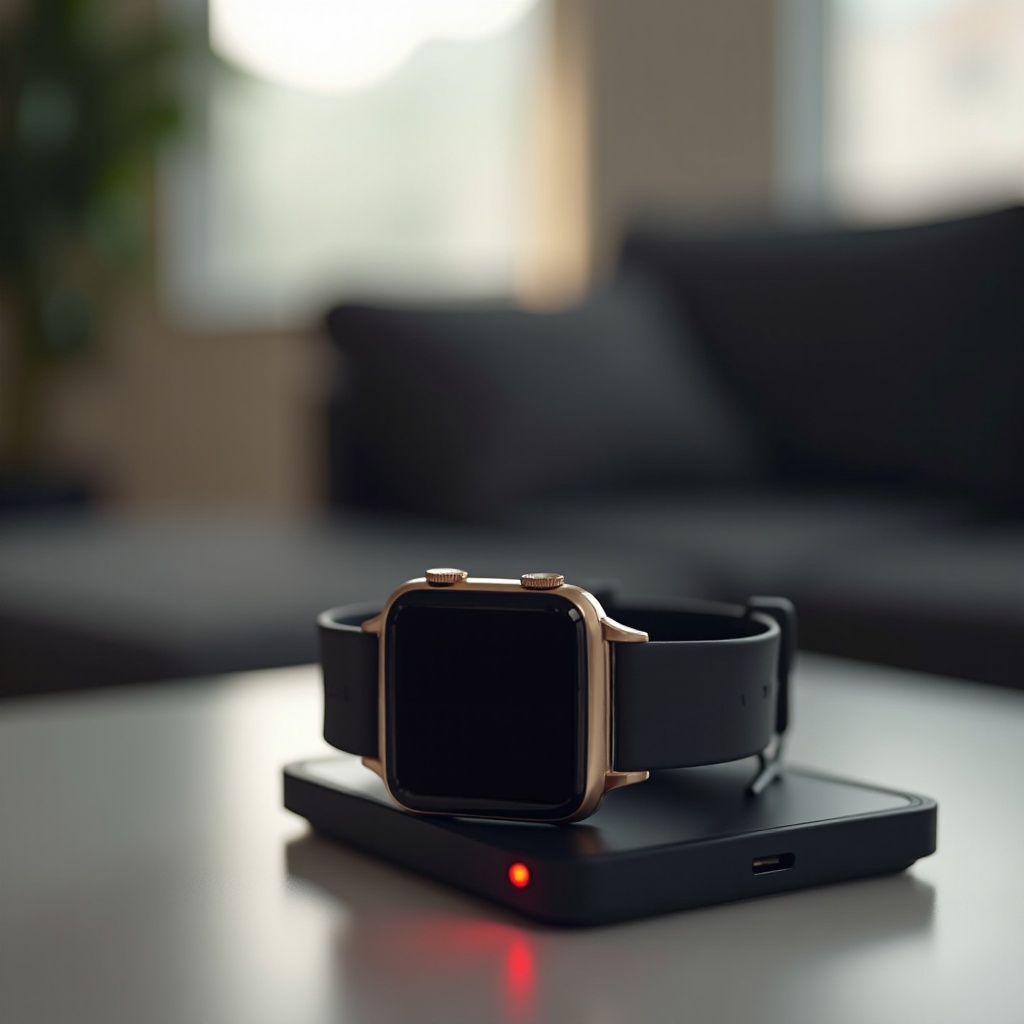
What Does the Blinking Red Light Indicate?
The blinking red light serves as a key indicator that something may not be working as it should with your charging process. Recognizing these signals is essential for troubleshooting effectively.
-
Understanding Charge Status Indicators: A steady green or blue light typically indicates a normal charging process, confirming that your watch is successfully charging.
-
Differentiating Between Normal and Issue-Related Blinks: When faced with a blinking red light, it’s an alert that requires attention. It could range from minor issues like loose connections to significant hardware or software faults.
Knowing these basics helps you identify the problem quickly. Now, let’s delve into the common reasons behind the red blinking light on your Samsung watch charger.
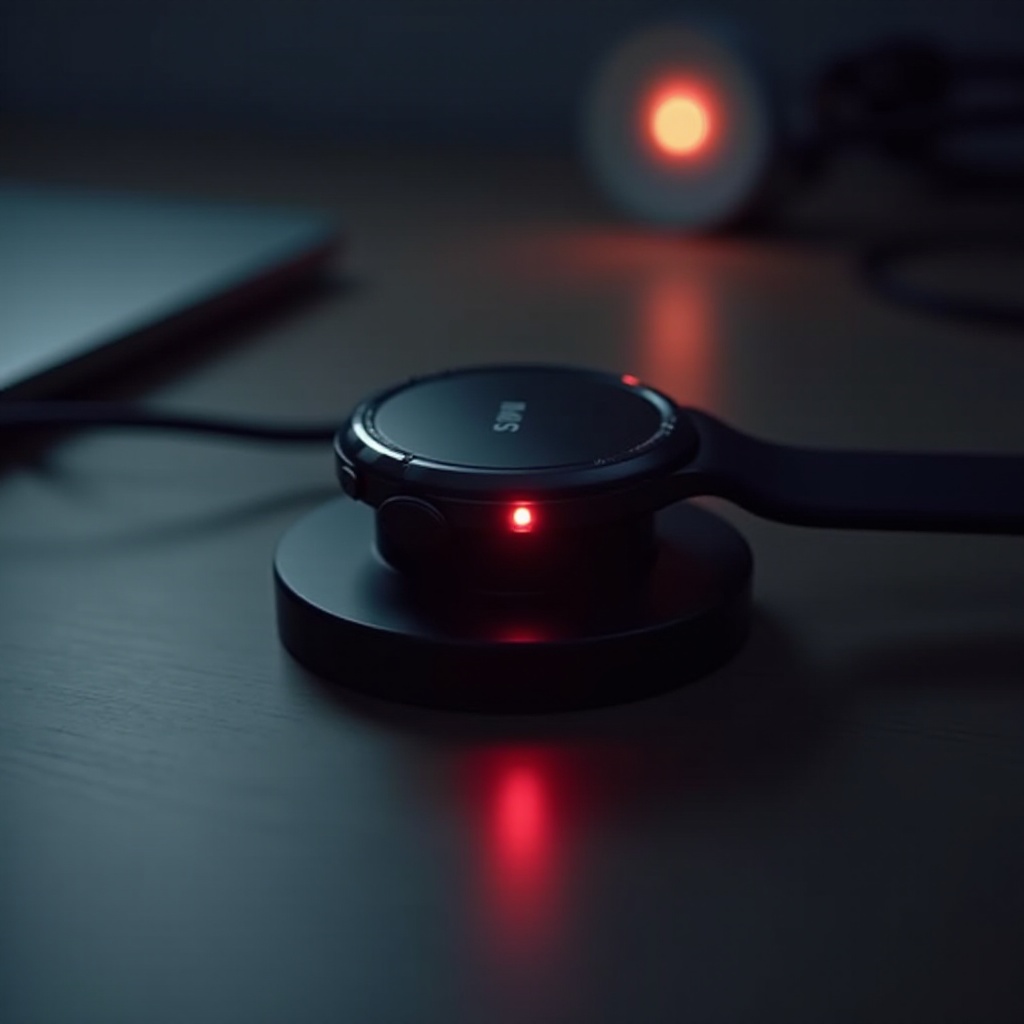
Common Reasons for a Samsung Watch Charger Blinking Red
Identifying the cause of the blinking red light is the first step toward resolving the problem. There are a few common reasons this might occur:
-
Power Source and Connectivity Issues: Sometimes, the root of the problem lies with the power source. Faulty wall sockets or unstable power supplies can disrupt the charging process. It’s advisable to use a different outlet to check for connectivity issues.
-
Cable, Adapter, and Charging Pad Problems: Inspect your charging components thoroughly. Look for signs of damage in the cables, adapters, or charging pad. Replacing a worn-out or incompatible item could resolve the issue.
-
Software or Firmware Outdated: Another common culprit is outdated software that may affect charging efficiency. Ensure your wearable software is up to date to avoid these issues.
After understanding the common reasons, you’re ready to take action. Here are basic troubleshooting steps you can take to rectify these issues.
Basic Troubleshooting Steps
Simple and effective, these steps are designed to get your charger back on track without requiring extensive technical knowledge:
-
Inspecting and Cleaning Charging Contacts: Dust and debris can lead to poor connections. Regularly clean the contacts on both your watch and charger using a soft cloth or cotton swab.
-
Resetting Your Samsung Watch: Performing a simple reset can resolve minor software glitches. Hold down the power button until the watch resets and you see the Samsung logo.
-
Testing with Different Chargers: To confirm if the issue lies with the charger itself, try using a different charger that is compatible with your device.
Should these basic steps not alleviate the problem, you may need to explore more advanced solutions.
Advanced Solutions for Persistent Issues
If basic troubleshooting doesn’t rectify the issue, here are some advanced solutions to consider:
-
Updating Firmware for Enhanced Compatibility: Keeping your watch’s firmware up-to-date ensures peak performance and compatibility with chargers. Use the Samsung Wearable app to verify and implement updates.
-
Running the Watch in Safe Mode: Safe mode is beneficial for diagnosing and narrowing down software-related issues. To enter safe mode, restart the watch and when you see your brand logo, press and hold the decrease volume button.
-
Diagnosing Potential Hardware Faults: Persistent problems may indicate an internal hardware fault. If you’ve tried the above solutions without success, professional diagnosis and repair might be necessary.
Now that you’re equipped with solutions, let’s explore proactive measures that can help you avoid encountering such issues in the future.
Preventive Measures for Avoiding Future Problems
Taking steps to care for your watch and its accessories can prevent future occurrences of the red blinking light.
-
Proper Maintenance of Charging Equipment: Regularly inspect all charging components for wear and tear, and replace any faulty parts promptly to ensure a reliable charging process.
-
Best Charging Practices for Longevity: To preserve your battery and charger, avoid exposing them to extreme environments, and always ensure that your charger is plugged into a stable power source prior to connecting your watch.
By adhering to these preventive measures, you’re not only extending the life of your device but also ensuring a hassle-free charging experience.
Conclusion
The frustration of dealing with a Samsung watch charger blinking red is now a thing of the past. By understanding both the causes and solutions, you’ve equipped yourself with the knowledge needed for effective troubleshooting. If problems persist, do not hesitate to seek professional help.
Frequently Asked Questions
Why is my Samsung watch charger hot to the touch?
An overheated charger could indicate a malfunction or improper power management. Ensure adequate ventilation and replace faulty components.
Can I use a different charger for my Samsung watch?
It’s best to use official Samsung chargers or compatible third-party chargers recommended by the brand to prevent damage.
How long should a Samsung watch battery last with regular use?
Typically, a Samsung watch battery lasts about 2 to 4 days depending on usage and settings. Regular charging and proper maintenance extend battery life.