

 By
By Introduction
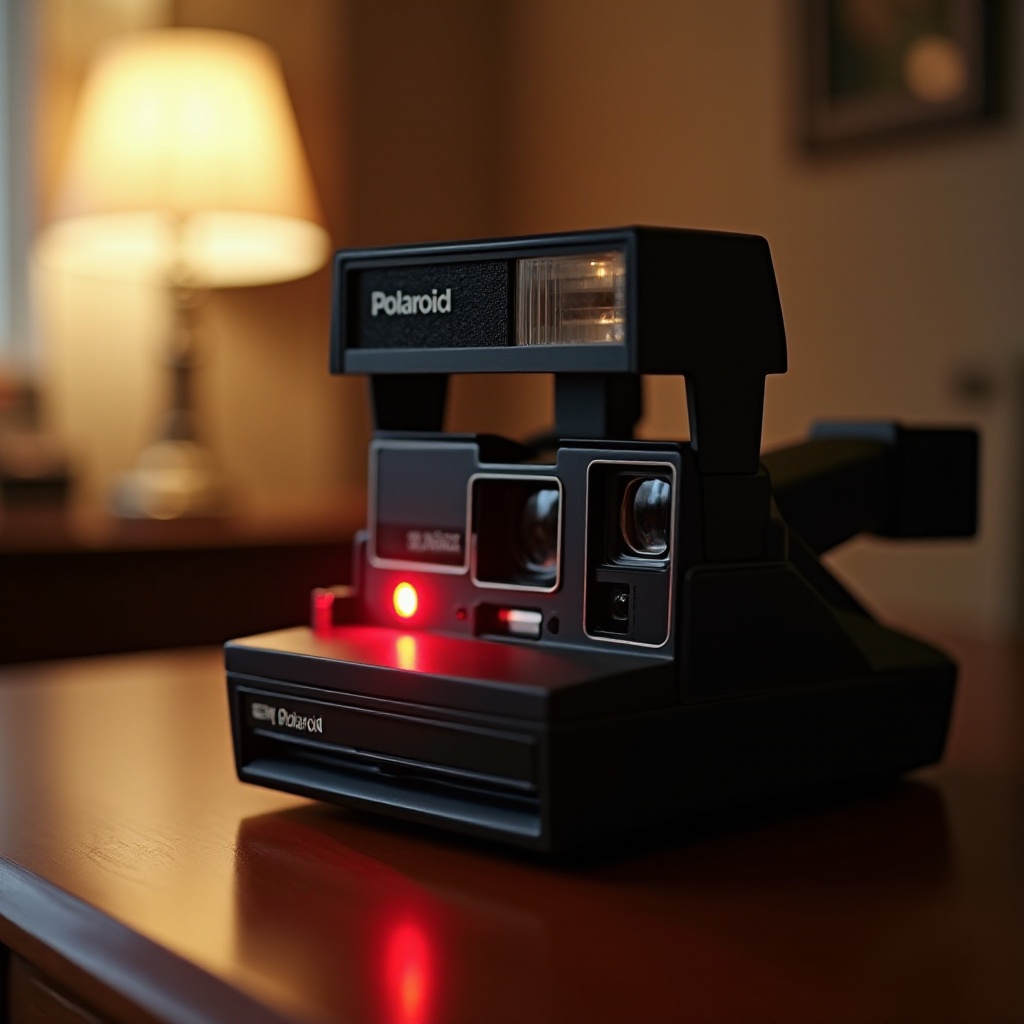
When a beloved Polaroid camera starts blinking red, it’s frustrating for any photography enthusiast. The blinking red light is often an indicator that something within the camera requires your attention. Whether it’s a minor issue that can be easily fixed or a sign of a more significant problem, understanding the root cause is essential for ensuring the longevity and proper functioning of your Polaroid device. Let’s delve into the common causes of this red alert and explore effective troubleshooting strategies to get your camera back to capturing perfect moments.
Common Causes of the Blinking Red Light
Several factors can trigger the red blinking light on your Polaroid camera. Understanding these causes will not only help in resolving the current issue but also aid in preventing future occurrences.
Battery Issues and Solutions
One of the most common reasons for the blinking red light is a battery-related problem. This may occur due to:
- Low Battery: Polaroids require substantial power to function. A weakening battery might struggle to meet these demands, causing the red light to blink.
- Improper Battery Insertion: Even new batteries might not solve the issue if they’re not inserted correctly.
Film Cartridge Problems
Another frequent culprit is the film cartridge:
- Expired or Used-Up Film: If the film in the camera is expired or already used, the camera might alert you by blinking red.
- Incorrect Film Loading: Film needs to be loaded specifically to be recognized by the camera.
Camera Malfunctions
Occasionally, the issue might not be with the battery or film but a malfunction within the camera itself:
- Internal Errors: Mechanical or electrical issues can disrupt normal camera operations, triggering the red light.
Recognizing the problem is the first step, and now, let’s move on to troubleshooting these issues effectively.
Troubleshooting Your Polaroid Camera
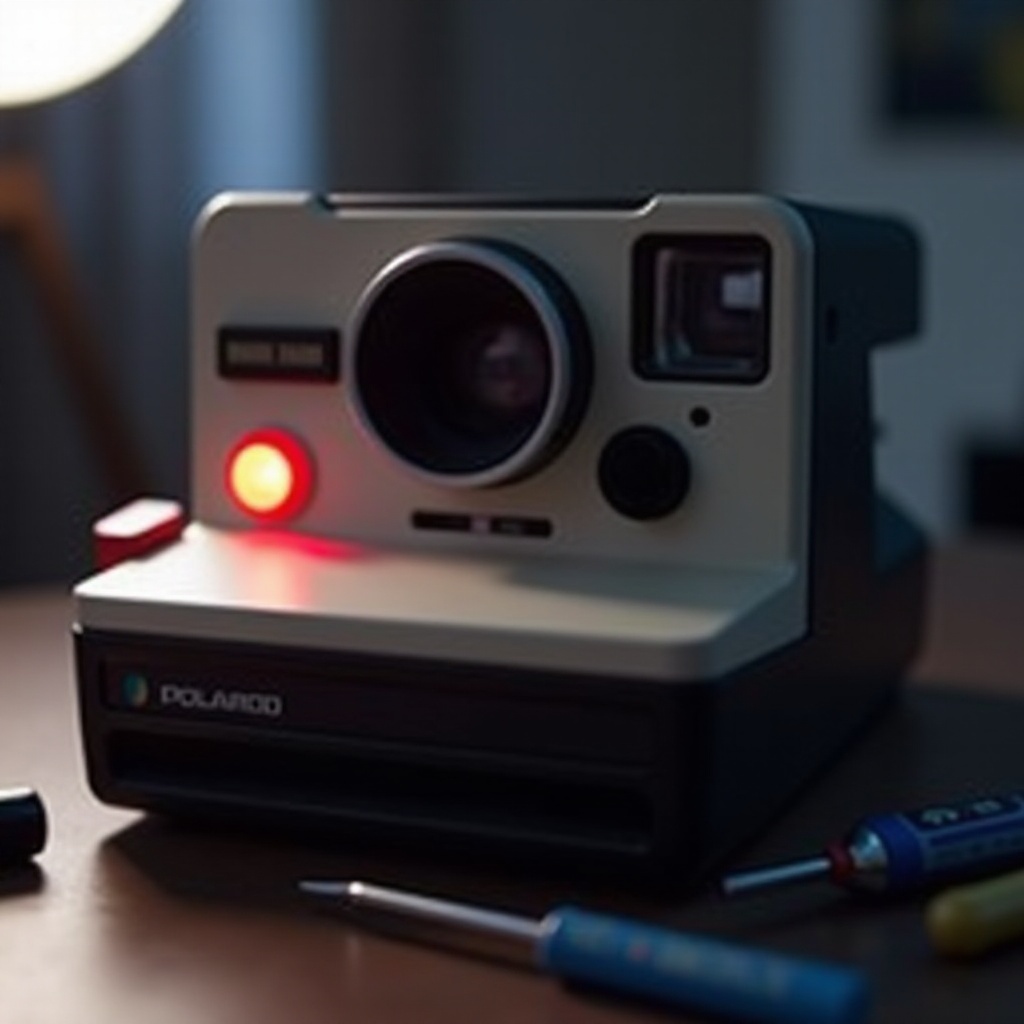
Fixing a blinking red light on your camera isn’t as daunting as it seems. Follow these straightforward steps to resolve the issue:
Step-by-Step Guide to Fix Battery Issues
- Replace or Recharge the Battery: Start by removing the current batteries and replacing them with fresh ones. If your camera uses rechargeable batteries, ensure they’re fully charged.
- Check Battery Insertion: Open the battery compartment and ensure the batteries are correctly positioned. Polaroids have specific battery alignment requirements; ensure each battery is oriented correctly.
How to Properly Load the Film Cartridge
- Remove and Reload the Film: Open the film compartment and remove the film cartridge. Check for any damage or misalignment. Reload the film, following the camera’s instructions precisely.
- Use New or Unexpired Film: If the issue persists, consider changing the film pack with a new, unexpired one to rule out problems with the film itself.
Resetting Your Camera
Sometimes, a simple reset can resolve persistent issues:
- Perform a Camera Reset: Check your camera’s manual for reset instructions, as the process may vary by model. Generally, this involves resetting certain settings to default, which may clear minor software glitches.
After following these troubleshooting steps, your camera should be operational again. However, preventing future problems requires diligence and proper care.
Best Practices for Maintaining Your Polaroid Camera
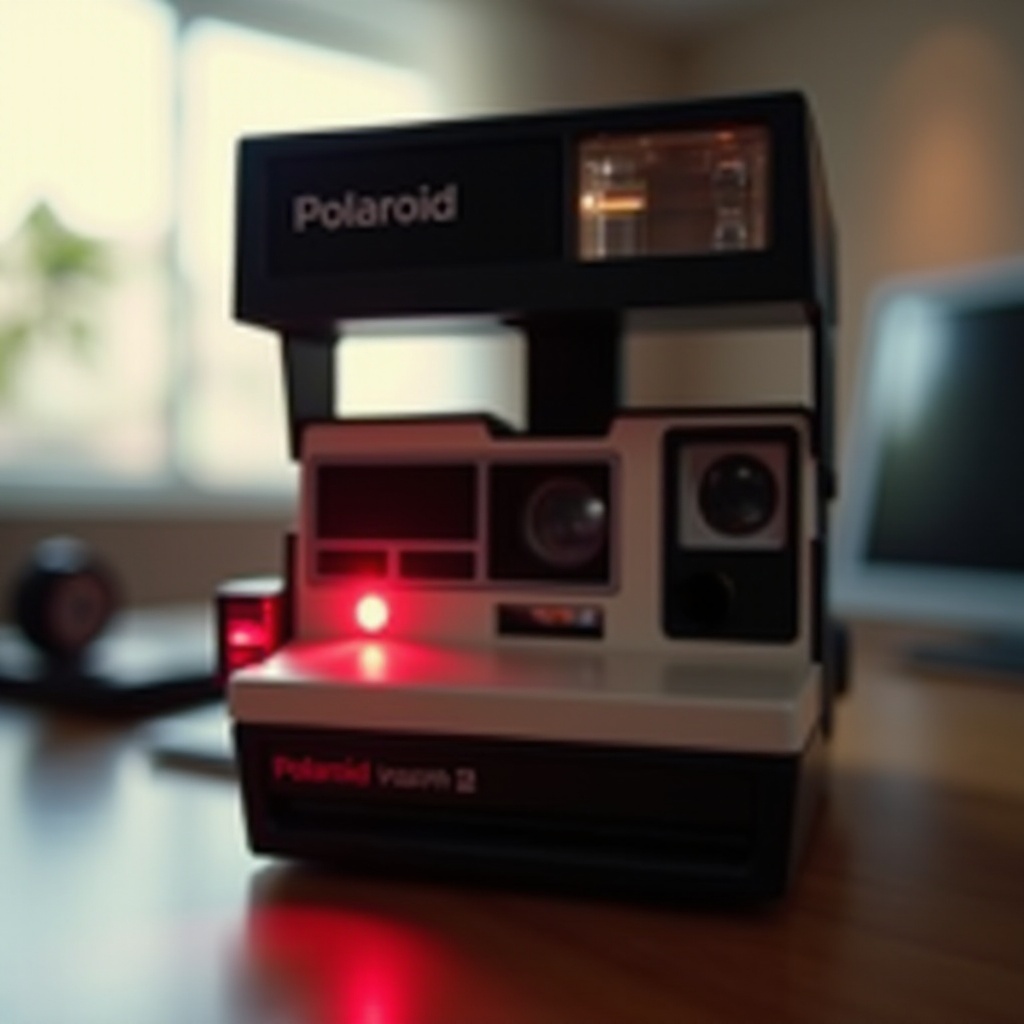
Prevention is better than cure, especially when it comes to maintaining the health of your camera. Here are some best practices:
Battery Maintenance Tips
- Regularly Charge or Replace Batteries: Make it a habit to charge your camera’s batteries or replace them when low to avoid unexpected interruptions.
- Use Compatible Batteries: Stick to manufacturer-recommended batteries to ensure compatibility and optimal performance.
Proper Film Storage and Handling
- Store Film in a Cool, Dry Place: Proper storage conditions can help maintain film quality.
- Handle Film with Care: Avoid touching the film surface to prevent damage that may affect picture quality.
Regular Camera Maintenance
- Clean Camera Lenses Regularly: Use a microfiber cloth to keep lenses free from dust and smudges.
- Keep the Camera in a Protective Case: Protect your camera from physical damage by storing it in a protective case when not in use.
Following these practices will keep your camera functioning smoothly. However, some issues might be beyond DIY solutions.
When to Seek Professional Help
Sometimes, the red blinking light may indicate a problem that requires professional intervention.
Identifying Signs of Hardware Malfunction
- Unresolved Issues: If the red light continues to blink even after troubleshooting, hardware malfunction may be the cause.
- Visible Damage: Look for any visible signs of damage or wear that could affect the camera’s performance.
How to Contact Polaroid Support
- Contacting Polaroid Customer Service: Visit the Polaroid website or reference your camera manual for customer service contacts. Email or phone support can guide you through further steps or repairs.
Conclusion
Understanding why your Polaroid camera is blinking red empowers you to take quick and effective action. With the right knowledge, you can troubleshoot minor issues or prepare for professional help if needed. Maintaining your camera through regular care practices will ensure it continues to capture memories beautifully.
Frequently Asked Questions
What does the red blinking light mean on a Polaroid camera?
The red blinking light typically indicates a problem with the battery, film cartridge, or an internal malfunction.
Can I fix the red blinking issue myself, or do I need professional help?
Many issues can be fixed by replacing batteries or film, but ongoing problems may require professional repair.
How can I prevent my Polaroid camera from blinking red in the future?
Regular maintenance, using compatible batteries, and ensuring proper film loading can minimize issues.