

 By
By Introduction
The iPhone has evolved into more than just a communication tool; it’s a powerful partner in staying healthy. Among its many capabilities, step tracking stands out as an essential feature. With increased awareness around health and wellness, users have turned to their smartphones to keep track of their daily steps. This article delves into the mechanisms of iPhone’s step tracking, offering setup tips and illustrating how users can maximize accuracy.
How iPhone Tracks Steps
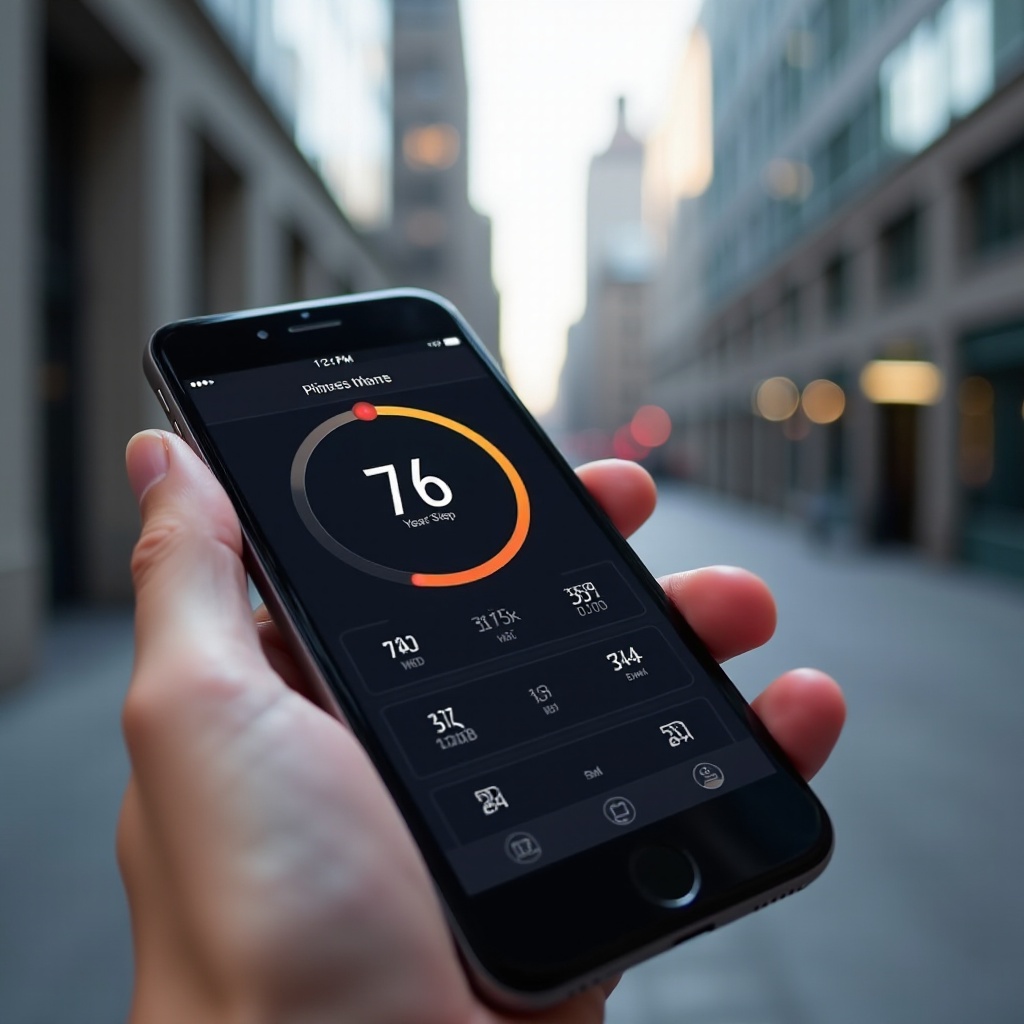
Inside every iPhone are advanced sensors that make step tracking possible. The accelerometer and gyroscope detect your movement and orientation, capturing your steps as you go about your day. This data is then sent to the Health app, where your activity is logged and displayed for easy viewing. The Health app acts as a comprehensive repository, organizing your step information and presenting it in a digestible format. Users gain insights into daily, weekly, and monthly trends, empowering them to make smarter decisions regarding their physical activity.
Setting Up Step Tracking on Your iPhone
Setting up step tracking on your iPhone is straightforward:
1. Open the Health app on your iPhone.
2. Tap the ‘Browse’ tab, then choose ‘Activity.
3. Find the ‘Steps’ section and select it.
4. Ensure the feature is activated.
5. Set personalized step goals that align with your fitness aspirations.
Customizing your step targets helps keep you motivated while making the Health app tailored to your needs, turning step tracking into a personalized experience.
Accuracy and Best Practices
To ensure your iPhone’s step tracking is precise, consider implementing these best practices:
– Device Placement: Consistently carry your iPhone in a pocket or securely attached to your arm to guarantee precise capture of your movement.
– Activate Motion Calibration & Distance: Go to Settings > Privacy > Location Services to enhance the functionality.
– Regularly Update iOS: Stay current with iOS updates as they often include sensor improvements and accuracy enhancements.
– Recalibrate Sensors: Refresh your iPhone’s settings and recalibrate periodically to maintain optimal sensor accuracy.
Following these guidelines significantly improves the accuracy of your step data, making your iPhone a dependable partner in tracking activity.
Integrating with Other Fitness Devices and Apps
The iPhone’s ability to integrate with other devices and apps boosts its utility in fitness tracking. By syncing with an Apple Watch, users access detailed insights and additional health data, resulting in a richer understanding of their activity.
Furthermore, the iPhone’s compatibility with third-party apps like Strava, MyFitnessPal, and Fitbit reveals new dimensions of fitness monitoring. These applications sync seamlessly with the iPhone, broadening the scope of available metrics—ranging from calorie intake to heart rate monitoring—alongside step data.
Understanding Your Step Data
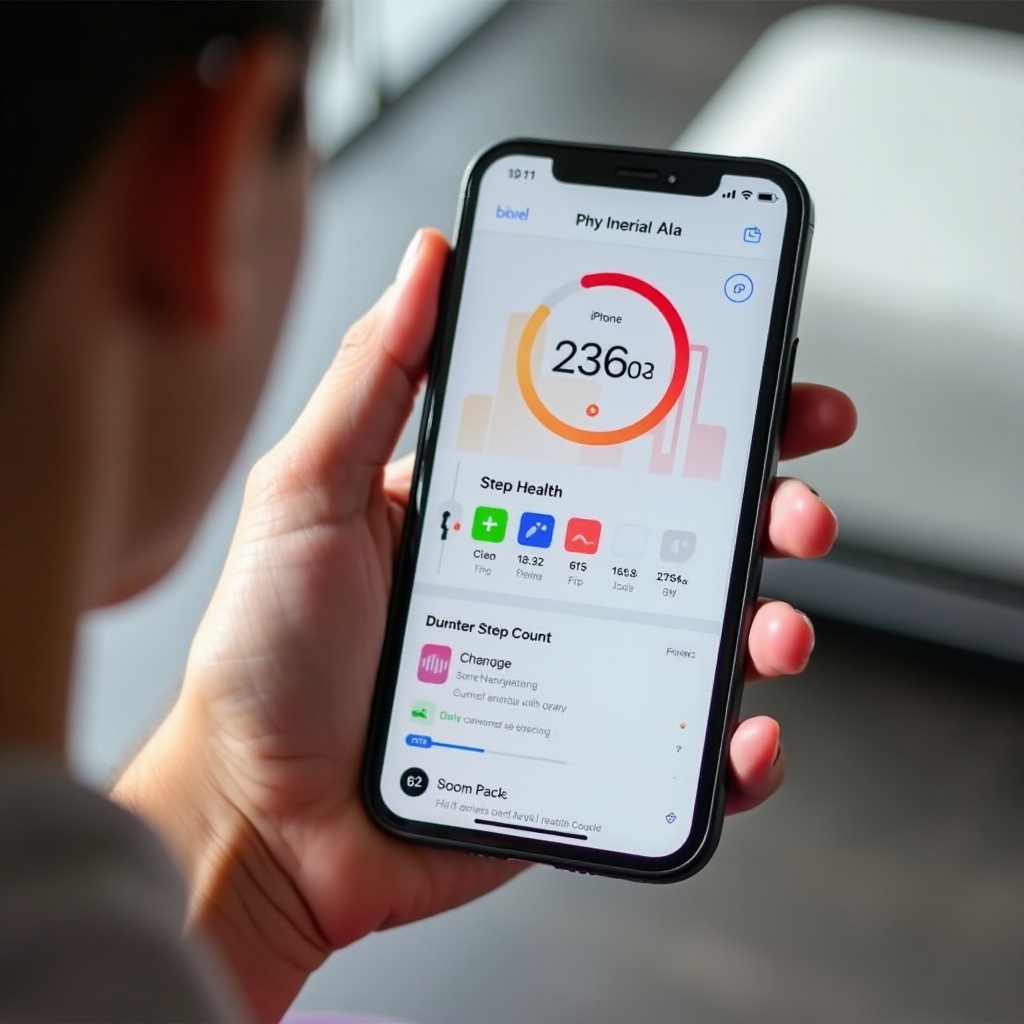
Effective analysis of your step data is crucial for motivation and fitness planning. The Health app compiles this data into intuitive graphs and trends, offering a clear view of your progress.
Through observing these patterns, you can identify periods of higher or lower activity and adjust plans accordingly. Whether it’s setting fresh goals or reviewing weekly trends, a good grasp of your step data empowers you with the insights necessary to manage your health journey effectively.
Privacy and Data Safety
Apple places a strong emphasis on user privacy concerning health data. With the iPhone, your step information is securely stored and free from unauthorized access. Understanding privacy settings is vital to protect your health data.
– Data Protection Features: Apple employs encryption for health data, ensuring robust defenses against unauthorized access.
– Access Permissions: Within Settings > Privacy, review which apps can access your health data and adjust permissions accordingly to uphold your privacy.
Knowing your privacy is respected, you can confidently use your iPhone to track your steps without worrying about proprietary data misuse.
Conclusion
With its user-friendly step-tracking features, the iPhone is a valuable tool in today’s health-conscious world. When properly set up and integrated with additional devices, it plays a pivotal role in fitness management. Users are encouraged to embrace iPhone’s potential in their wellness journey, harnessing its insights for a healthier future.
Frequently Asked Questions
Can the iPhone track steps without internet connectivity?
Yes, the iPhone uses built-in sensors that function independently of internet connectivity to monitor and log your steps.
How do I troubleshoot if my iPhone step count is not accurate?
Ensure your iPhone is updated to the latest iOS, check your device placement, and recalibrate the sensors through Settings for improved accuracy.
Is the iPhone’s step-tracking data considered reliable for fitness goals?
For general fitness goals, iPhone’s data is reliable. Pairing with an Apple Watch or other fitness devices provides more comprehensive metrics for deeper insight.