

 By
By Proper maintenance and cleanliness of your MacBook are crucial for its longevity and functionality. Many MacBook users often wonder: can you use Clorox wipes on a MacBook? Though Clorox wipes are known for their efficiency in disinfecting surfaces, caution must be exercised while cleaning electronics. This guide explores the potential risks, discusses Apple’s cleaning recommendations, presents safer alternatives, and outlines detailed steps for cleaning your MacBook without causing harm.
Understanding Clorox Wipes and Their Composition
Clorox wipes are popular due to their effectiveness in killing germs, attributed primarily to their alcohol and bleach compounds. These components, while effective on non-porous surfaces, can be detrimental to electronic devices like your MacBook. Understanding the composition of Clorox wipes is crucial because it highlights why they might not be the best choice for delicate electronics.
The chemicals in Clorox wipes can react harshly with sensitive materials found in laptops, potentially affecting their appearance and functionality. Moving forward, let us examine why caution is necessitated when using Clorox wipes on electronics.
Why You Should Be Cautious Using Clorox Wipes on Electronics
The use of Clorox wipes on a MacBook carries significant risks, both immediately and over time.
Impact on MacBook Materials
Your MacBook’s sleek and sophisticated design requires gentle care. The harsh chemicals in Clorox wipes can degrade the protective coatings and diminish the finish of your aluminum body and glass screen. Consequently, the aesthetic appeal may suffer, and essential elements might wear out faster than expected.
Potential Long-term Effects on Device Performance
Over time, the residue left by Clorox wipes can build up, leading to internal issues. This can seep into ports and speakers, compromising hardware and causing operational glitches or decreased performance. Understanding these risks is key to appreciating why maintaining your MacBook with the right products is vital, as highlighted in Apple’s expert recommendations.
Apple’s Recommendations for Cleaning MacBooks
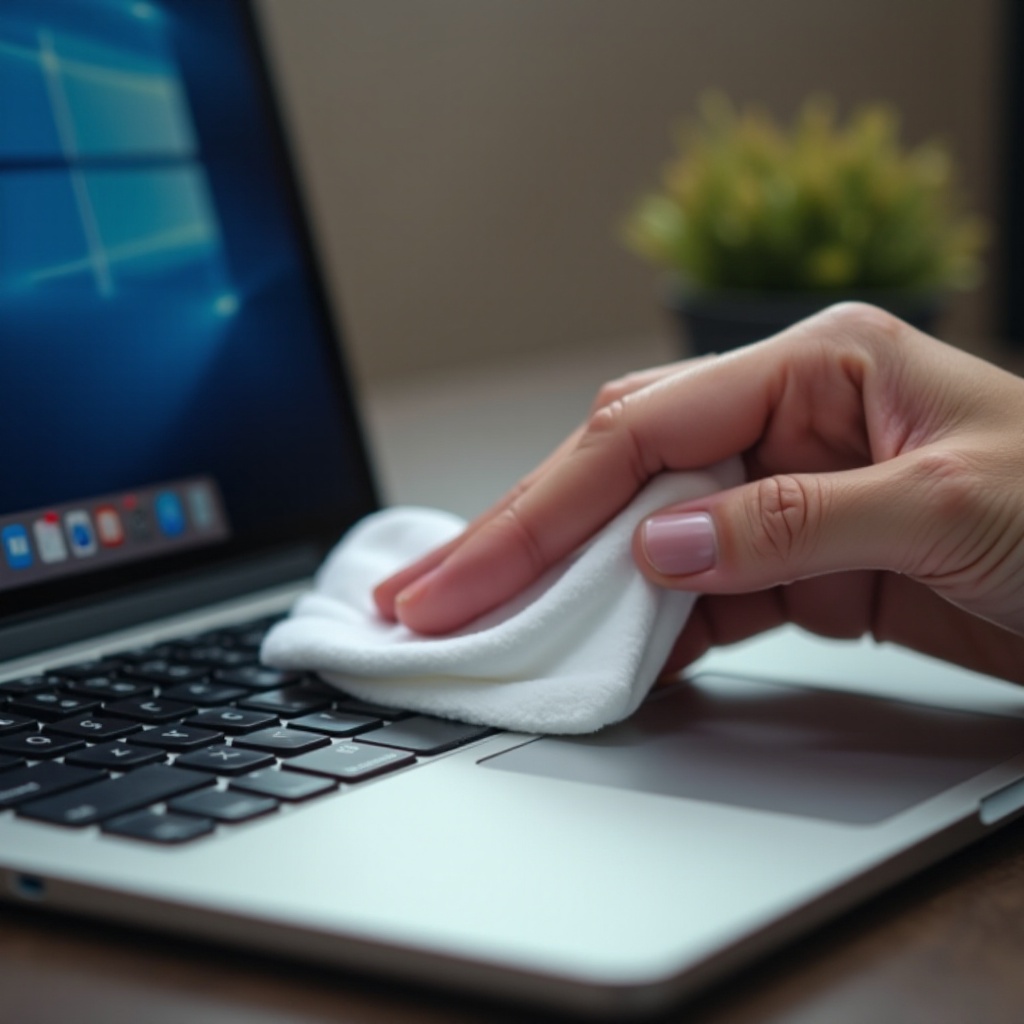
Apple advises users to adopt gentle cleaning practices to preserve their devices. They recommend using a soft, lint-free cloth slightly moistened with water or a screen-safe cleaner. These mild cleaning methods ensure that your MacBook remains undamaged by bleach or other abrasive chemicals.
Apple explicitly cautions against using aerosol sprays, abrasives, and cleaning solutions containing hydrogen peroxide or bleach. By following these guidelines, users can safeguard their MacBook’s functionality and appearance. With this knowledge, we can examine safe alternatives for effectively cleaning your MacBook.
Safe Alternatives for Cleaning Your MacBook
Several products available in the market offer safe cleaning alternatives to Clorox wipes for your MacBook. By employing these alternatives, you can maintain your device’s health and performance.
Approved Cleaning Solutions and Materials
- Microfiber Cloths: Excellent for picking up dust and smudges without scratching surfaces.
- Isopropyl Alcohol (70% solution): Ideal for sanitizing while avoiding smears or scratches.
- Screen Cleaning Kits: Specifically designed products made for electronics ensure gentle and effective cleaning.
Tips for Homemade Cleaning Mixtures
For those interested in DIY alternatives, mixing distilled water with white vinegar or using a tiny drop of gentle dish soap with distilled water can be effective. Use a microfiber cloth slightly dampened in the mixture for cleaning.
Using these alternatives protects your MacBook from damage. Now, let’s follow the detailed steps to clean your MacBook safely without relying on Clorox wipes.
Step-by-Step Guide to Cleaning Your MacBook Safely
Cleaning your MacBook thoroughly yet safely demands careful attention. Here is how to proceed:
Cleaning the Screen
- Turn off the MacBook and disconnect all external devices.
- Use a dry microfiber cloth to remove surface dust.
- Lightly dampen a clean cloth with the chosen cleaning solution.
- Wipe the screen in small, circular motions with gentle pressure.
Sanitizing the Keyboard and Trackpad
- Blow existing debris out with compressed air or a gentle brush.
- Dampen a cloth with 70% isopropyl alcohol for sanitizing.
- Gently clean the keyboard and trackpad, avoiding excess moisture.
Maintaining the Exterior
- Prepare your cleaning solution by lightly damping a cloth.
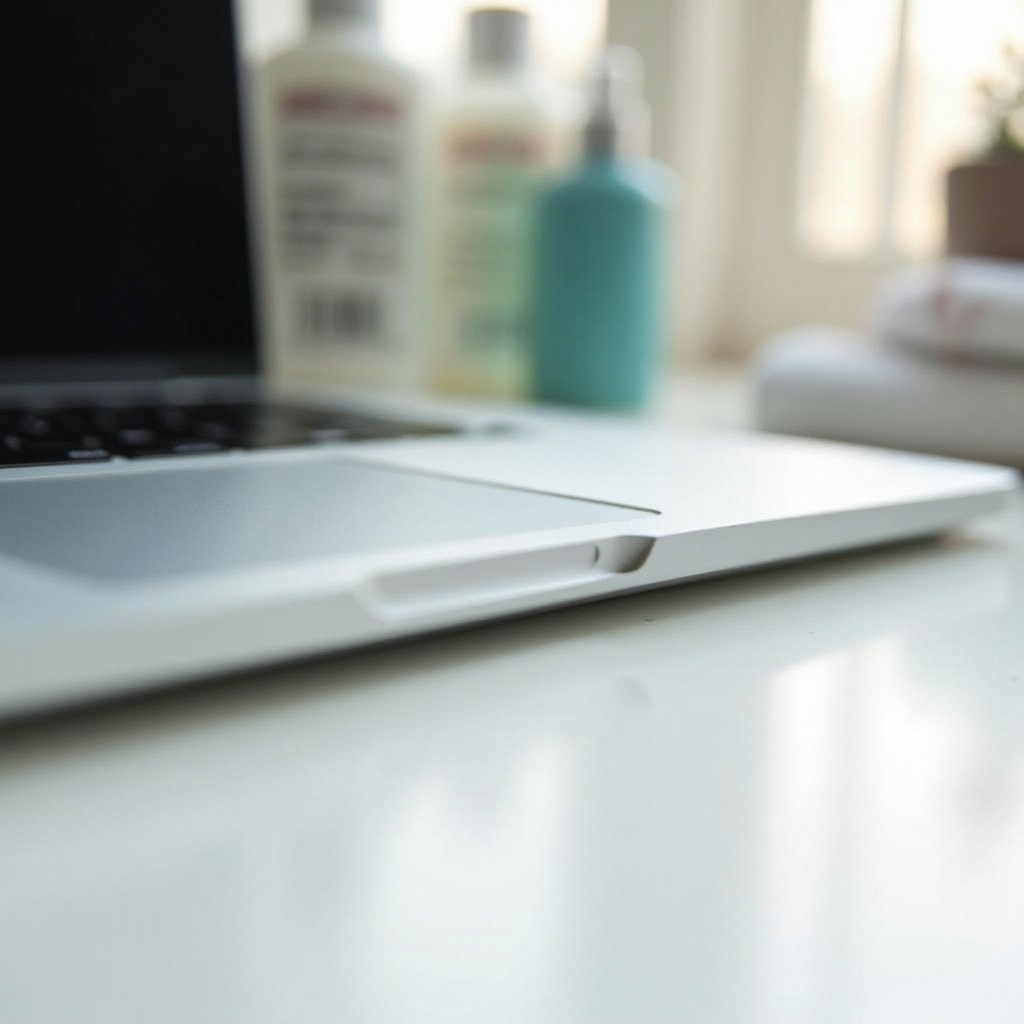
- Gently wipe the MacBook’s outer surfaces, paying close attention to joints and seams.
- Finish by drying all surfaces with a clean, dry cloth.
With these steps, your MacBook will stay clean without the risk of damage. Regular maintenance not only keeps the device looking good but also ensures its optimal functioning.
Conclusion
Despite Clorox wipes being effective for many surfaces, they are not suitable for MacBooks due to potential damage. Adhering to safe cleaning practices ensures that your MacBook remains in excellent condition. Maintaining a regular cleaning routine will greatly impact your device’s longevity and performance.
Frequently Asked Questions
Can using Clorox wipes void my MacBook warranty?
Yes, if Clorox wipes cause damage, your warranty could be voided.
What should I do if I accidentally used Clorox wipes on my MacBook?
Wipe the affected area with a damp cloth immediately to remove any residue.
Are there any specific cleaning products recommended by Apple?
Apple recommends using a soft, lint-free cloth with water or a 70% isopropyl alcohol solution.