

 By
By Introduction
Many users are curious about the type of storage inside a MacBook Air. Known for its sleek design and performance efficiency, it’s vital to understand what drives these qualities. The MacBook Air has seen various iterations, and understanding its storage evolution is key. This article answers whether MacBook Air uses hard drives or SSDs, highlighting the benefits and options available.

Understanding Storage: Hard Drives vs. SSDs
Before delving into MacBook Air specifics, it’s crucial to distinguish between hard drives and SSDs.
What Is a Hard Drive?
Hard drives (HDDs) are mechanical storage devices that use spinning discs to read and write data. They have long been used in personal computers due to their cost-effectiveness.
What Is an SSD?
By contrast, solid-state drives (SSDs) utilize flash memory, which offers faster data access with no moving parts. This difference is significant when considering performance and durability.
Key Differences Between HDD and SSD
SSDs outpace HDDs in speed, offering rapid data access and reliable performance. They’re also more resilient to physical shocks, a key point for mobile devices. Though HDDs offer larger capacities at a lower price point, SSDs are becoming more affordable.
The MacBook Air’s Storage Evolution
With a foundation in storage technology, we can explore the MacBook Air’s transition from HDD to SSD.
Overview of MacBook Air Models and Storage Changes
Released in 2008, the MacBook Air initially included HDDs in some configurations. However, Apple’s focus on maximizing efficiency and minimizing size led to adopting SSDs across all models by 2012.
Apple’s Transition from HDD to SSD
Apple’s switch wasn’t just about speed; it was strategic. SSDs allowed for thinner designs due to their compactness, complementing the MacBook Air’s portable nature. It also meant improved energy efficiency, enhancing battery life.
Benefits of Using SSD in MacBook Air
Users benefited immediately with SSDs, experiencing faster boot times and improved software performance. With fewer mechanical failures, reliability increased, securing SSDs as Apple’s choice.
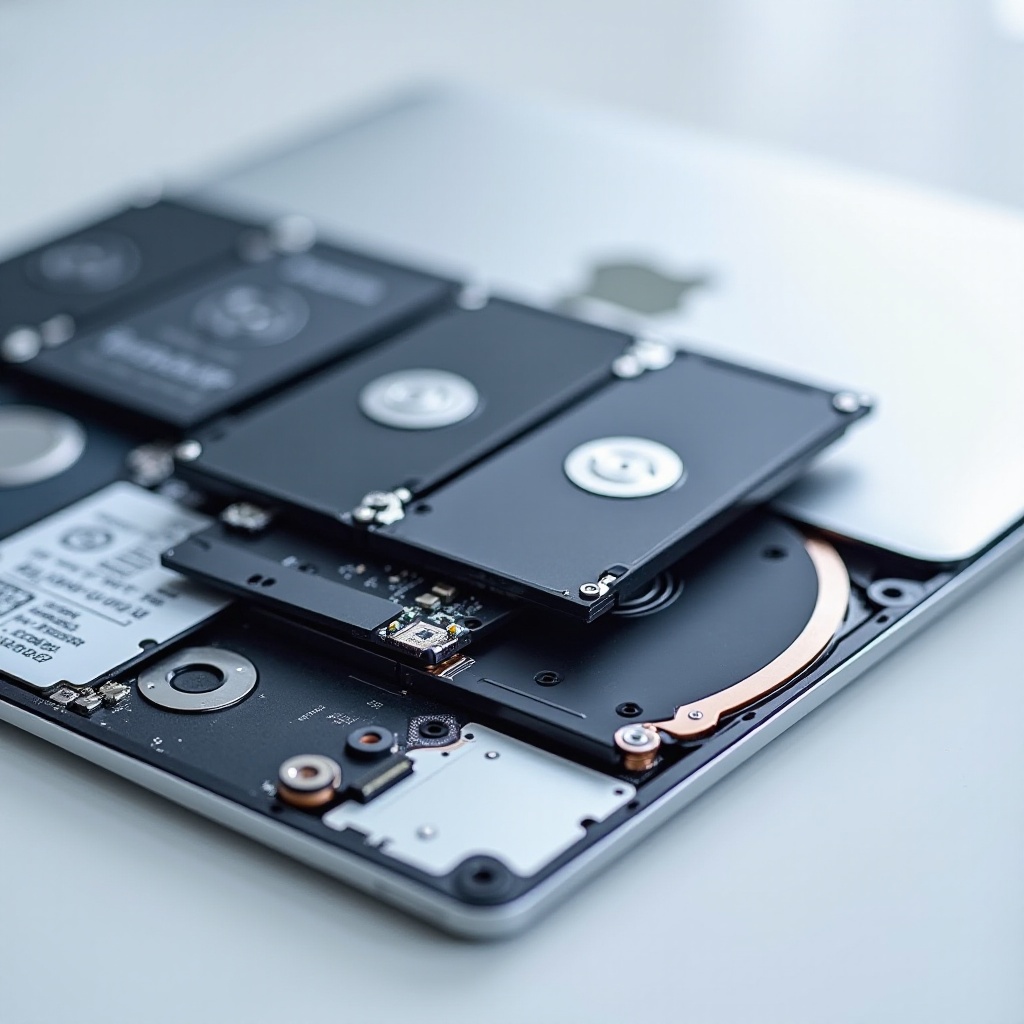
Current Storage Options in MacBook Air
Understanding the development leads us to current storage solutions available in the MacBook Air.
Available Storage Capacities
MacBook Air models offer several options ranging from 256GB to 2TB SSDs, accommodating various user needs from everyday tasks to professional applications.
Choosing the Right SSD Storage for Your Needs
When deciding, consider your usage: 256GB is often sufficient for basic tasks, but professionals handling large files, such as video editors, should opt for models with 1TB or more.
Potential for External Storage Solutions
If internal storage needs expansion, external SSDs connected via Thunderbolt ports provide quick access solutions, while cloud services like iCloud enhance storage flexibility.
Advantages of SSDs in MacBook Air
The advantages of SSDs are substantial, impacting the overall MacBook Air experience.
Performance and Speed
SSDs greatly enhance system speed, minimizing load times and optimizing data processing, thereby boosting productivity in everyday use.
Energy Efficiency and Durability
SSDs’ lack of mechanical components reduces energy drain and makes the MacBook Air more durable against accidental drops or bumps, further safeguarding your data.
Enhanced User Experience
The combination of speed, resilience, and power efficiency culminates in an enhanced user experience, fostering a seamless and responsive interface that users enjoy.
Upgrading or Expanding Storage on MacBook Air
Despite its advantages, expanding the MacBook Air’s internal storage presents some challenges.
Understanding Non-Upgradable Internal SSDs
Apple integrates SSDs directly onto the motherboard, prioritizing design integrity over user-upgrade capability. Thus, replacing or upgrading isn’t straightforward.
Exploring External Storage Options
Users turn to external solutions due to these constraints. Portable SSDs are practical for everyday on-the-go storage, and extensive options can complement home office setups.
Tips for Managing Your MacBook Air Storage
Effective management is crucial: regularly clean up unneeded files, leverage Apple’s storage optimization, and use external drives wisely to maintain optimal performance.
Conclusion
The MacBook Air foregoes traditional hard drives in favor of SSD technology, accentuating performance and user satisfaction. Recognizing these advantages aids in informed decision-making when selecting a laptop. SSD-based systems like the MacBook Air continue to lead in delivering efficient, reliable computing experiences.
Frequently Asked Questions
Can You Replace the SSD in a MacBook Air?
No, replacing the SSD is not feasible as it is soldered onto the motherboard.
How Do I Check My MacBook Air’s Storage Capacity?
You can check by going to the Apple menu, selecting ‘About This Mac,’ and then clicking on ‘Storage.’
What Are the Benefits of Choosing a Higher SSD Capacity?
Higher SSD capacity allows for more data storage, supports larger applications, and offers increased longevity by distributing data writes more effectively.