

 By
By Introduction
The PlayStation 5 is a powerhouse of gaming technology, and optimizing its power settings can significantly enhance your gaming experience and overall energy consumption. Adjusting these settings ensures smooth performance while conserving energy. In this guide, we’ll explore different settings and configurations that can boost your gaming sessions and help you manage energy use efficiently.

Understanding PS5 Power Modes
PS5 power modes are integral to how your console operates, affecting everything from performance to energy consumption. The two main modes are Rest Mode and Power Off.
-
Overview of Rest Mode and Power Off: Rest Mode allows your PS5 to perform tasks like charging controllers and updating games while using minimal power. Power Off shuts down the system completely, saving more energy but stopping all processes.
-
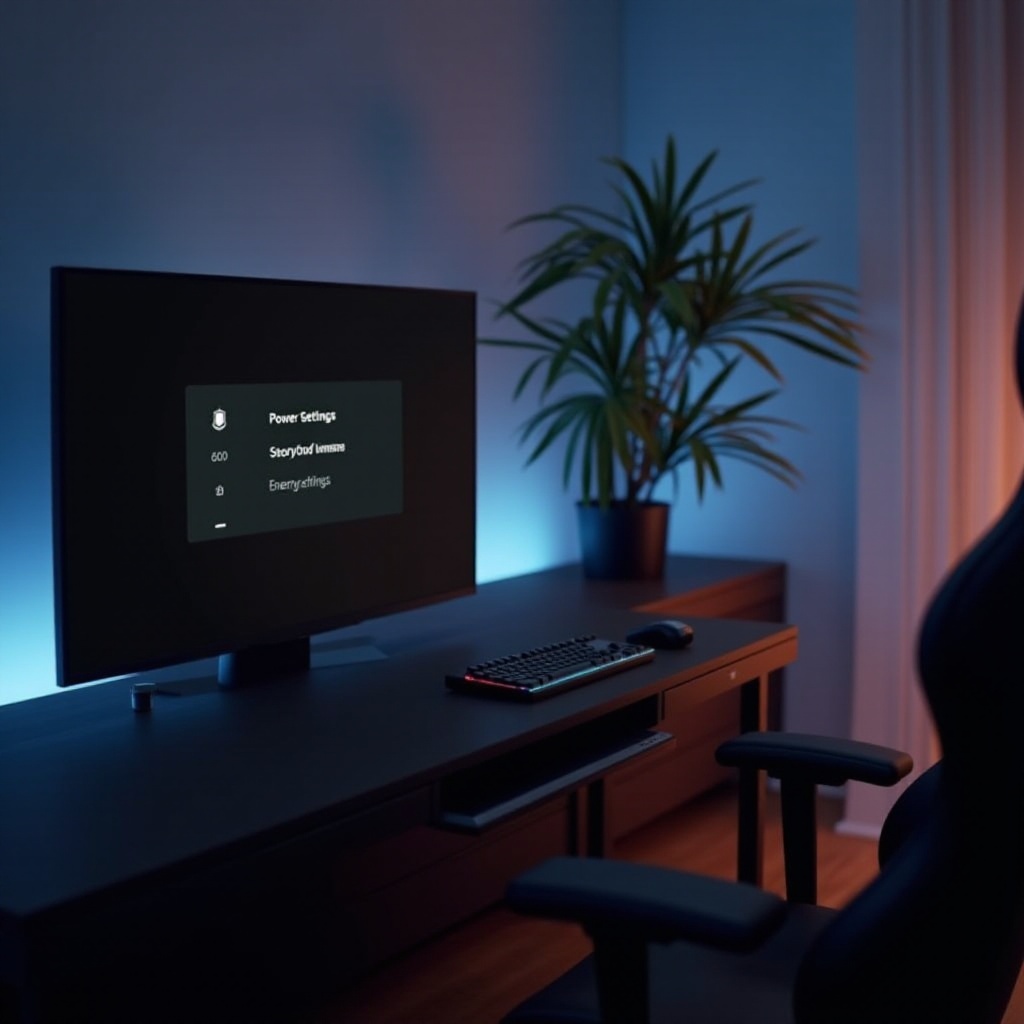
How to Access Power Settings on Your PS5: To change these settings, go to the ‘Settings’ menu, select ‘System,’ and then choose ‘Power Saving.’ Here, you can select your preferred power mode.
Understanding these power modes lays the foundation for configuring settings that suit your gaming habits and optimize your console’s efficiency.
Configuring Power Settings for Enhanced Gaming
Once you’ve grasped the basics of power modes, configuring your settings can greatly enhance your gaming experience.
-
Adjusting Automatic Downloads and Updates: To maintain optimal performance, set your PS5 to download updates automatically in Rest Mode. This ensures your games are always up-to-date with the latest patches and improvements.
-
Setting Up Power-Saving Features: Customize the duration before your PS5 enters Rest Mode during inactivity. Shorter intervals save more energy and reduce wear and tear.
Configuring these settings aligns the console’s performance with your gaming needs and introduces energy efficiency strategies, which we will discuss next.
Tips for Energy Efficiency
These practical strategies can help you enjoy your PS5’s full capabilities while managing its energy consumption.
-
Optimizing Display and Motion Settings: Reducing your display brightness and adjusting motion settings can significantly lower energy use without impacting gameplay quality. Many gamers find a medium brightness setting ideal.
-
Managing Background Processes: Keep track of running apps and processes. Closing unnecessary applications helps free up resources and reduce power consumption.
Implementing these energy-efficient practices not only decreases your environmental impact but also extends the life of your console’s components. Now, let’s look at solutions for troubleshooting power setting challenges.
Troubleshooting Power Setting Issues
While optimizing your PS5’s power settings, you may encounter a few common issues.
-
Common Problems and Solutions: If your PS5 doesn’t enter Rest Mode or unexpectedly powers off, start by checking for system updates or resetting the settings to default to fix glitches.
-
Maintaining System Stability: Regularly monitor system performance and conduct routine checks to ensure all components function correctly. If issues persist, a hard reset may be necessary.
Troubleshooting ensures your console operates at its best without unnecessary hiccups, allowing us to delve into advanced power management techniques next.
Advanced Power Management Techniques
For those looking to fine-tune every aspect of their PS5 for maximal efficiency, consider these advanced strategies.
-
Utilizing Eco-Friendly Settings: Enable HDMI Link and modify the system’s power profile to align with eco-friendly standards, further reducing power consumption.
-
Customizing Power Profiles for Various Needs: Create specific power profiles tailored for different gaming needs, such as competitive play or streaming, ensuring optimal performance without a significant increase in energy usage.
With these advanced tactics, you can create a personalized gaming environment that reflects both your preferences and energy conservation values. Let’s recap everything we’ve covered.
Conclusion
Mastering your PS5’s power settings enhances your gaming experience and helps conserve energy. By adjusting basic settings, addressing potential issues, and employing advanced techniques, you ensure your console operates efficiently, delivering top-notch performance with minimal energy waste.
Frequently Asked Questions
How does Rest Mode differ from Power Off on the PS5?
Rest Mode keeps your system on standby, performing updates and charging controllers with lower energy use, while Power Off completely shuts down the system.
What are the best power settings for frequent gamers?
Utilize Rest Mode with automatic updates enabled and set short intervals for inactivity to optimize both power usage and performance readiness.
How can I monitor my PS5’s power consumption effectively?
Regularly check system settings for updates that enhance energy-saving features and consider using external tools for comprehensive monitoring.