

 By
Introduction
Beats headphones are synonymous with excellent sound quality and cutting-edge design. To fully enjoy the experience, ensuring your Beats are charged and ready is essential. This detailed guide explores the charging times of various Beats headphone models, offering practical tips for efficient charging.
Understanding Beats Headphones Models
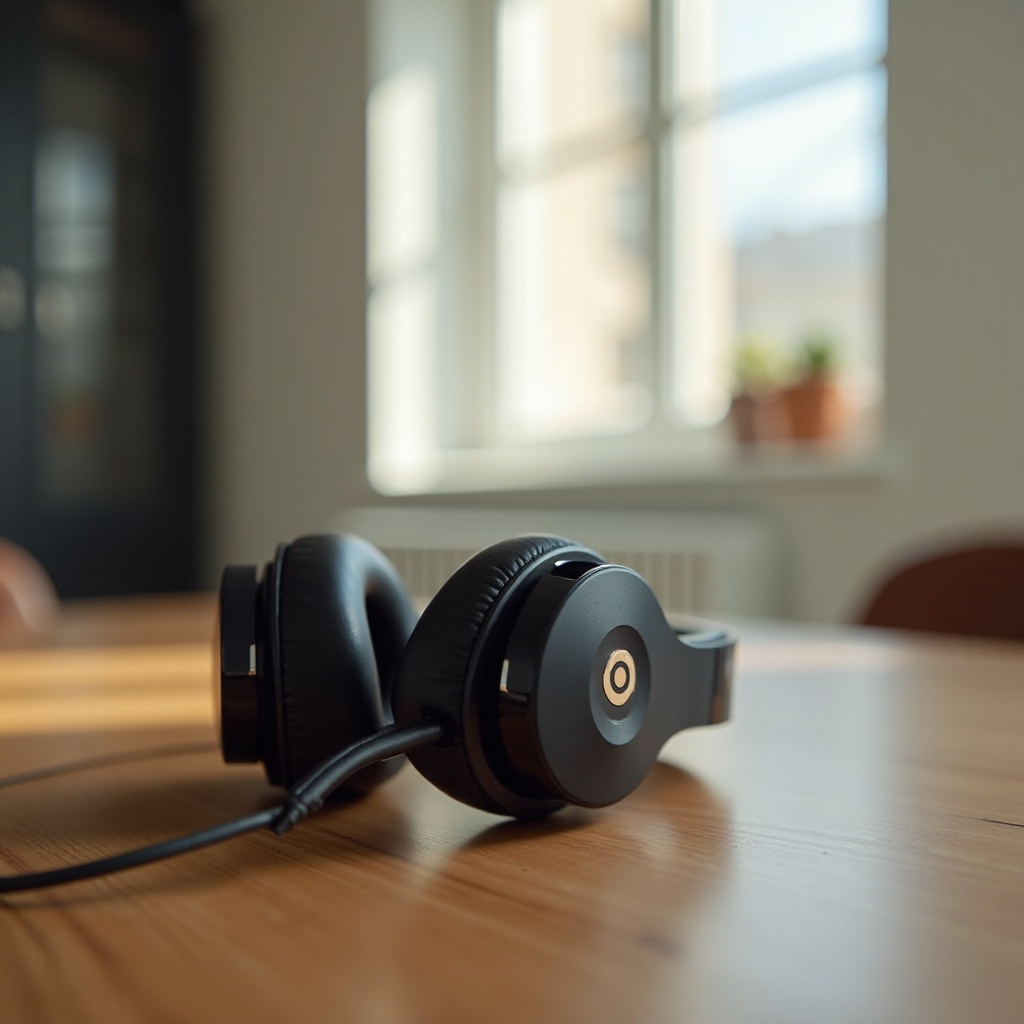
Beats headphones cater to diverse needs, with each model having its unique features and battery specifications. Grasping these variations helps in determining the typical charging time needed.
Overview of Popular Models
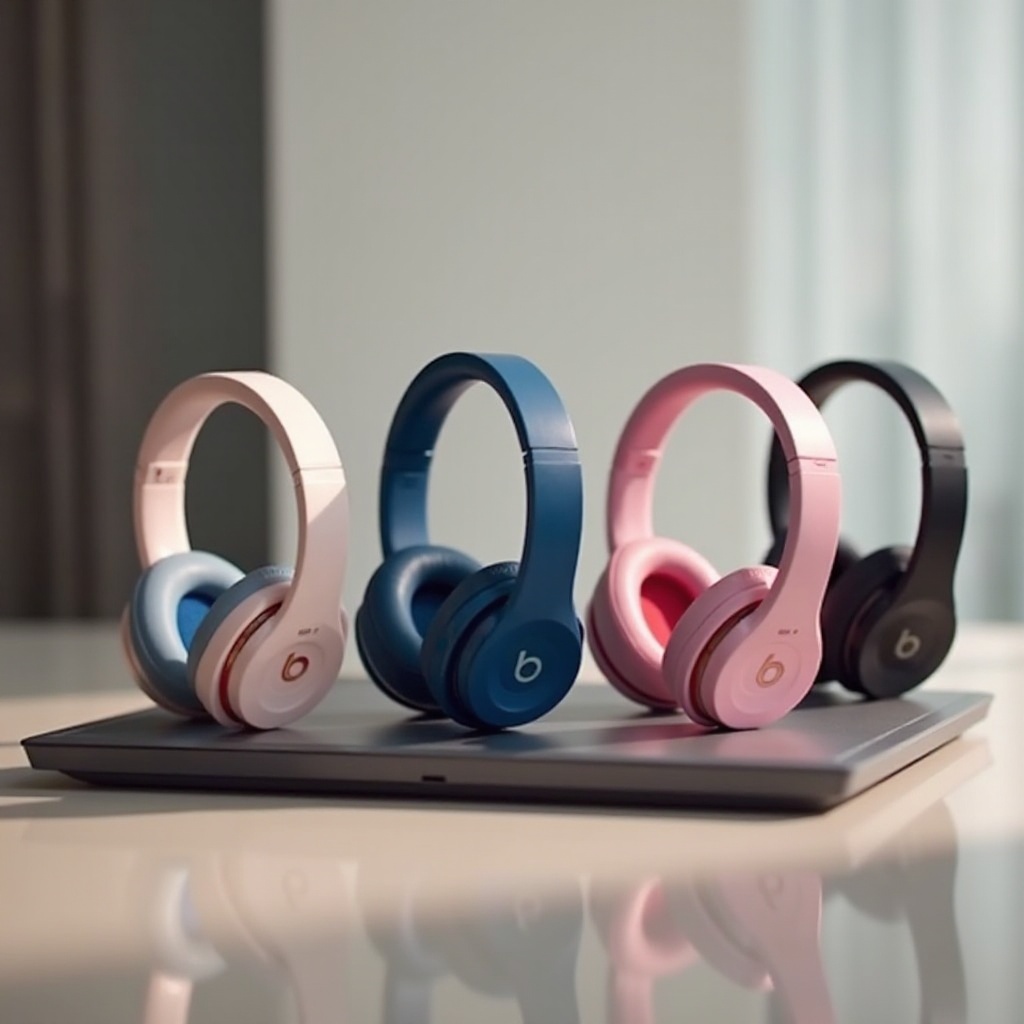
Beats’ lineup includes the Beats Studio, Beats Solo, and Powerbeats Pro among others. Each model offers distinct battery life and features, allowing users to pick the best fit according to their lifestyle preferences.
Key Features and Battery Specifications
The Beats Studio series is designed for extended listening with impressive battery life and noise cancellation. On the other hand, the Solo series emphasizes a sleek look and comfort. For fitness enthusiasts, Powerbeats Pro provides optimal sweat resistance and a secure fit, backed by a unique charging method.
Charging Time for Different Beats Models
Understanding the specific charging time for each Beats model enhances your listening pleasure. Let’s delve into the nuances of charging times across different models.
Beats Studio Series
Typically, the Beats Studio series needs about two hours for a full charge. This ensures up to 20 hours of high-quality playback, thanks to their advanced battery management technology.
Beats Solo Series
The Beats Solo series can achieve a full charge in approximately 1.5 hours, delivering nearly 40 hours of continuous playback. The ‘Fast Fuel’ feature is noteworthy, providing three hours of playback after just a five-minute charging burst, ideal for those on-the-go.
Powerbeats Pro
Powerbeats Pro headphones, engineered for athletes, require roughly 1.5 hours to charge when placed in their case. The accompanying charging case can hold several charges, making these headphones a convenient long-term listening option.
Factors Influencing Charging Time
Various factors can alter the charging duration of your Beats headphones, even within the same model range.
Cable Type and Power Source
For optimal charging efficiency, it’s crucial to use the charger and cable supplied with your Beats. Charging from a computer’s USB port may result in longer durations compared to utilizing a wall outlet.
Battery Health and Usage Habits
The condition of your headphones’ battery impacts charging speed. Batteries maintained in good condition charge more efficiently. Avoid letting your battery deplete completely to preserve its longevity.
Tips for Efficient Charging
To make the most of your Beats headphones’ battery, following certain charging guidelines can be highly beneficial.
Optimal Charging Practices
- Use the original charger and cable that comes with your headphones.
- Charge in moderate temperatures; avoid extreme heat or cold.
- Recharge the battery before it is completely drained.
Recognizing and Interpreting Charging Indicators
Most Beats models include LED indicators to show charging status. Familiarizing yourself with these signals helps to understand when headphones are charging, fully charged, or in need of power.
Troubleshooting Common Charging Issues
While Beats headphones are reliable, users may sometimes encounter charging problems. Here are some troubleshooting methods.
Slow Charging Solutions
Ensure the correct charger and cable are in use. Secure the connection and inspect the charging ports for any debris.
Battery Maintenance and Replacement
If battery performance decreases significantly, consider having it evaluated for replacement by professionals. Contact Beats support for expert recommendations.
Conclusion
By understanding charging times and adopting efficient practices, you can ensure your Beats headphones perform optimally, providing endless hours of immersive audio enjoyment.
Frequently Asked Questions
Can I use my Beats headphones while charging?
Yes, you can use most Beats models while charging, but this may extend the charging duration.
How do I check if my Beats headphones are fully charged?
Most models have an LED indicator or an app that shows the battery status of the headphones.
What should I do if my Beats headphones aren’t charging?
Check your cable and charger, clean the ports, and if the issue persists, contact Beats support for further assistance.